Motherboard serves as the fundamental backbone of any computer system, connecting all components and allowing them to communicate seamlessly. It’s the unsung hero that houses critical elements like the CPU, RAM, and expansion slots, coordinating their interactions for optimal performance. As we delve into the intricate architecture of motherboards, we’ll explore how their layout and design impact everything from speed to compatibility, making understanding them essential for anyone looking to build or upgrade a machine.
By examining the various components that make up a motherboard, along with their roles and relationships, we’ll uncover the significance of buses, circuits, and the numerous layout options available. This knowledge will not only enhance your technical prowess but also enable you to make informed decisions when selecting the right motherboard for your specific needs.
The Role of a Motherboard in Computer Architecture is essential for understanding system functionality.
The motherboard is often referred to as the backbone of a computer system, and for good reason. This integral component serves as the central hub connecting all other parts of a computer, allowing them to communicate effectively. Understanding the motherboard’s architecture is crucial for grasping how a computer operates. It houses not only the CPU and memory but also various connectors and circuits for other peripherals, thereby influencing both performance and usability.
The motherboard serves a multifaceted role in computer architecture. Primarily, it connects the CPU, RAM, storage devices, and graphics cards through a series of circuits and pathways known as buses. These buses are crucial for facilitating data transfer between components. The most common types of buses include the data bus, address bus, and control bus. The data bus carries the actual data between the components, the address bus specifies the locations of the data in memory, and the control bus manages the signals and commands sent between devices. This integrated communication system ensures that the motherboard can maintain efficient operation, allowing various hardware to work in tandem without conflict.
Significance of Buses and Circuits in Motherboard Architecture
Buses and circuits are fundamental in defining motherboard architecture, as they determine how well different components can communicate. Understanding the design and functionality of these connections can provide insights into performance capabilities.
The following points highlight the importance of buses and circuits in motherboard architecture:
- Data Transfer Efficiency: The design of the motherboard’s buses influences how much data can be transferred at once. For instance, a motherboard with a 64-bit data bus can transfer double the amount of data compared to a 32-bit bus in a single cycle.
- Slot Types and Compatibility: Different motherboard layouts offer various slot types such as PCIe, PCI, and SATA, impacting the types of devices that can be installed. Newer layouts, like those supporting PCIe 4.0, allow for faster communication with compatible devices.
- Overclocking Potential: Motherboards designed with advanced circuit layouts often come with features that support overclocking, enhancing the performance of CPUs and RAM beyond their standard specifications.
- Thermal Management: An effective motherboard layout considers thermal design, often incorporating heat sinks and fan headers to maintain optimal temperatures, thus prolonging component life and ensuring stable performance.
- Power Delivery: Quality motherboards feature robust power delivery systems, ensuring that the CPU and other components receive the necessary power, especially during high-load tasks, minimizing the risk of crashes or hardware failures.
The motherboard layout itself significantly influences overall system performance. Various form factors such as ATX, Micro-ATX, and Mini-ITX cater to different needs. For example, the ATX layout allows for multiple expansion slots, which is ideal for gaming setups requiring multiple graphics cards. Conversely, a Mini-ITX layout prioritizes compactness, making it suitable for space-constrained environments.
In summary, the motherboard serves as the central hub of a computer, connecting all essential components and facilitating communication through its buses and circuits. Its architecture directly impacts performance, compatibility, and efficiency, making it a key element in understanding computer functionality.
Identifying Key Components of a Motherboard helps in understanding its functionality.
The motherboard, often referred to as the mainboard or system board, is a pivotal component of any computer system. It serves as the backbone that connects all other hardware elements, allowing them to communicate and function synergistically. Understanding its key components is essential for diagnosing issues, upgrading systems, and ensuring optimal performance.
One of the primary components of a motherboard is the CPU socket. This is where the central processing unit (CPU) is installed, making it crucial for the motherboard’s overall functionality. The CPU socket type determines which processors are compatible with the motherboard, influencing performance capabilities. Following the CPU socket is the chipset, which acts as the communication center between the CPU and other components. The chipset governs data flow, determining how the CPU interacts with memory, storage, and peripherals. Additionally, RAM slots are essential for memory installation. These slots accommodate the system’s random access memory (RAM), with the number and type of RAM slots affecting the potential memory capacity and speed.
Role of Expansion Slots
Expansion slots serve as gateways for adding extra functionality to the motherboard. These slots allow users to install additional peripherals such as graphics cards, sound cards, and network cards, significantly enhancing the system’s performance and capabilities. The most common types of expansion slots include PCIe (Peripheral Component Interconnect Express) slots, which offer high-speed connections for modern hardware. The availability and type of expansion slots can vary based on the motherboard model, directly impacting how the system can be customized or upgraded.
By utilizing expansion slots, users can tailor their systems to meet specific needs, such as gaming, graphic design, or server applications. This customization can be crucial in optimizing performance for demanding tasks. For instance, adding a dedicated graphics card can dramatically improve graphics performance in resource-intensive applications.
Comparison of Different Types of Chipsets
Chipsets greatly influence motherboard performance, as they determine compatibility with various components and the overall architecture of the system. There are several types of chipsets, typically classified into two categories: high-end and budget chipsets. High-end chipsets usually support advanced features such as overclocking, multiple GPU setups, and extensive connectivity options. In contrast, budget chipsets might limit the number of available PCIe lanes or RAM support, affecting performance under heavy workloads.
For example, Intel’s Z-series chipsets are designed for enthusiasts looking for maximum performance and customization, while H-series chipsets cater to more casual users who prioritize cost-effectiveness over performance. Similarly, AMD’s X-series chipsets are comparable to Intel’s Z-series, supporting high performance and advanced features, while B-series chipsets are aimed at users seeking reliability without the need for extensive features. This distinction is vital, as the chipset can profoundly impact the capabilities of a motherboard, dictating not only compatibility but also overall speed and efficiency during operation.
Exploring the Different Types of Motherboards gives insight into compatibility and functionality.
Understanding the various types of motherboards is crucial for anyone looking to build or upgrade a computer. The motherboard serves as the heart of the system, connecting all components and ensuring they communicate effectively. When selecting a motherboard, one must consider form factors, compatibility, and intended use, whether for gaming, office work, or specialized tasks.
The form factor of a motherboard determines its physical dimensions and layout, which in turn influences compatibility with cases and hardware components. The most common form factors include ATX, MicroATX, and Mini-ITX, each serving distinct use cases.
Motherboard Form Factors
The design and dimensions of a motherboard significantly affect its functionality and application. Here’s a closer look at the three prevalent form factors:
- ATX (Advanced Technology eXtended): Measuring 305mm x 244mm, ATX is the standard for most desktop builds. Its spacious layout allows for multiple expansion slots, making it ideal for high-performance gaming rigs and workstations where extensive connectivity is necessary.
- MicroATX: Slightly smaller at 244mm x 244mm, MicroATX boards balance size and functionality. They typically offer fewer expansion slots than their ATX counterparts but still provide ample features for mid-range systems, suitable for both gaming and general office use.
- Mini-ITX: With dimensions of 170mm x 170mm, Mini-ITX boards are designed for compact builds, such as small form factor (SFF) PCs. Though limited in expansion options, they are perfect for home theater PCs or portable builds where space is a premium, emphasizing energy efficiency and compact design.
Consumer-grade motherboards differ significantly from server-grade options in their functionalities and target audiences. Consumer-grade motherboards prioritize gaming and multimedia usage, focusing on features that enhance performance, aesthetics, and overclocking capabilities. They often include advanced audio solutions, high-speed USB ports, and RGB lighting options.
In contrast, server-grade motherboards are designed for reliability and stability under heavy workloads. These boards are equipped with features such as ECC memory support, numerous SATA and SAS connections for storage, and enhanced thermal management solutions to ensure long-term performance in data centers. They also emphasize redundancy and fault tolerance, making them suitable for mission-critical applications.
Selecting the right motherboard involves careful consideration of the intended use case. For gaming, opt for high-performance features such as PCIe slots for graphics cards and support for fast RAM speeds. Office tasks might require a balance of performance and power efficiency, while specialized tasks, like video editing or 3D rendering, demand motherboards that support robust storage and processing capabilities.
Choosing the right motherboard is essential for maximizing the performance and longevity of your system.
The Importance of BIOS and UEFI in Motherboards is crucial for system management.
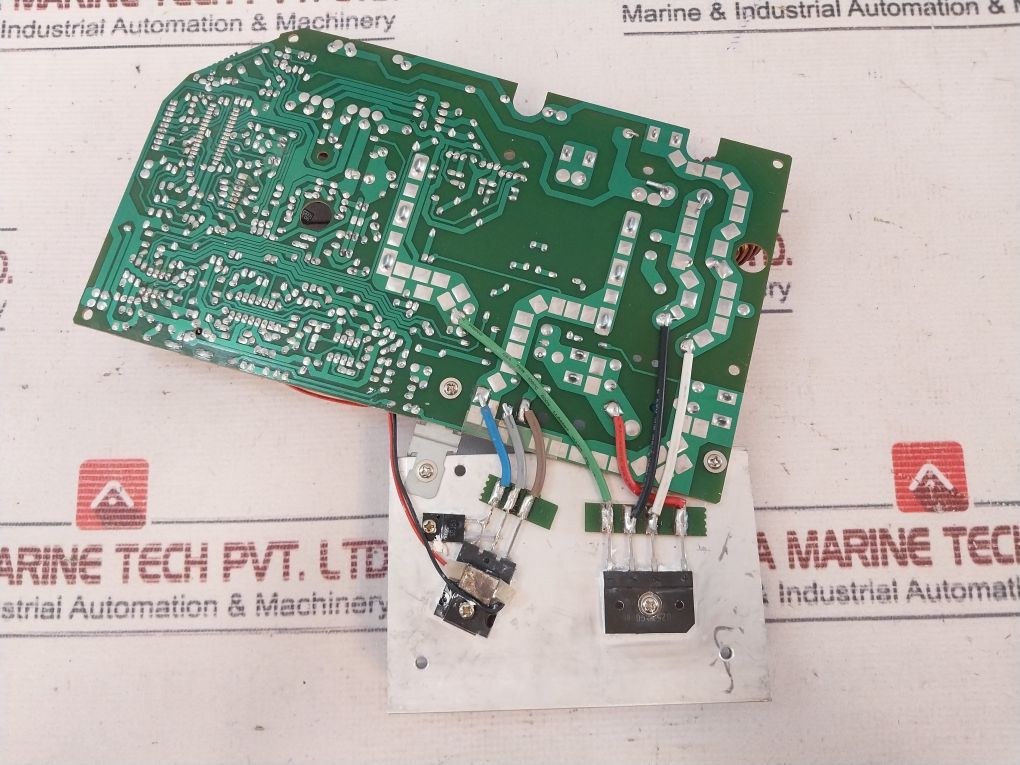
The BIOS (Basic Input/Output System) and UEFI (Unified Extensible Firmware Interface) serve as essential components in motherboards, controlling the initial boot processes and system settings. Understanding their differences and implications is vital for proper system management and performance optimization.
BIOS, the traditional firmware interface, has been around since the early days of personal computers. It initializes the hardware during the boot process and provides runtime services for operating systems. However, its limitations are becoming more apparent. For example, BIOS operates in 16-bit mode and has a maximum addressable space of 2.2 TB, which can be limiting for modern storage solutions. In contrast, UEFI was introduced to overcome these limitations. UEFI operates in 32-bit or 64-bit mode, enabling it to handle larger hard drives and faster boot times. It offers a more user-friendly graphical interface, improved security features like Secure Boot, and the ability to work with modern operating systems more effectively.
Advantages of UEFI Support in Modern Motherboards
The shift to UEFI support in modern motherboards brings several significant advantages over traditional BIOS systems. These advantages include:
- Faster Boot Times: UEFI reduces the boot process time by initializing hardware components more efficiently compared to BIOS.
- Support for Larger Drives: UEFI can handle drives larger than 2.2 TB, facilitating the use of modern storage technologies.
- Enhanced Security: Features such as Secure Boot protect against unauthorized access and malware during the boot process.
- User-Friendly Interface: UEFI provides a more intuitive graphical interface, making it easier for users to configure settings.
- Modular Design: UEFI’s modular architecture allows for easier updates and improvements over time.
The handling of firmware updates is also notably different between BIOS and UEFI systems. BIOS updates often require users to download a specific file, create a bootable USB stick, and then manually update the firmware during startup. This process can be cumbersome and poses risks if not executed correctly. On the other hand, UEFI systems typically support in-place updates, allowing users to download and install updates directly from the operating system without the need for a reboot. This streamlined process not only simplifies maintenance but also enhances system reliability.
In conclusion, UEFI represents the future of firmware interfaces, making BIOS a legacy option for many modern applications.
Troubleshooting Common Motherboard Issues is vital for maintaining system performance.
Motherboards serve as the backbone of any computer system, connecting various hardware components and facilitating communication between them. Over time, various issues may arise, affecting the overall performance and functionality of the system. Identifying and troubleshooting these problems is crucial to ensure smooth operation and extend the lifespan of your hardware.
Common Motherboard Problems
Several problems can plague motherboards, leading to significant performance issues. These include boot failures, hardware compatibility problems, and overheating due to dust accumulation.
Boot failures are among the most common issues, often indicated by a computer that fails to start or displays error messages during the boot process. This can stem from faulty connections, damaged components, or even BIOS misconfigurations. Hardware compatibility issues may arise when components, such as RAM or CPUs, do not align with the motherboard’s specifications, leading to system instability or failure to boot altogether.
Maintaining a clean motherboard is essential to prevent dust buildup, which can lead to overheating. Overheated components can result in decreased performance, random shutdowns, or even permanent hardware damage.
To effectively diagnose these problems, several troubleshooting steps can be taken:
1. Check Power Supply: Ensure that the power supply is working correctly; a faulty power supply may lead to boot failures.
2. Inspect Connections: Examine all connections and cables to the motherboard. Loose or damaged cables can disrupt communication between components.
3. Remove Dust: Regularly clean the motherboard with compressed air to remove dust, especially around fans and heat sinks. This practice helps maintain optimal temperatures.
4. Test Components: Swap out suspect components (like RAM or the graphics card) with known good ones to rule out hardware failure.
5. Reset BIOS/UEFI Settings: Resetting the BIOS to factory settings can resolve misconfigurations that lead to boot issues.
6. Update Drivers and BIOS: Ensure that all drivers are up to date and that the motherboard firmware is current to prevent compatibility issues.
Incorporating these steps into regular maintenance will not only help in troubleshooting but also contribute to the longevity and efficiency of your motherboard and computer system as a whole. Regular checks and a clean environment are key to preventing common issues and ensuring that your system operates smoothly.
Understanding Motherboard Compatibility with Other Components is key to building a functional system.
When building a functional computer system, ensuring compatibility between the motherboard and other components is crucial. A mismatch in any part can lead to performance issues, system instability, or even complete failure to boot. Understanding how to check compatibility is essential for both newcomers and seasoned builders alike. This guide will shed light on the factors that affect compatibility and how to navigate them effectively.
The first step in ensuring compatibility is checking the specific requirements of the CPU, RAM, and GPU. Each of these components has particular specifications that must align with those of the motherboard. For instance, CPUs are paired with specific socket types. These socket types, such as LGA 1200 for Intel processors or AM4 for AMD, are foundational aspects that must match between the motherboard and CPU.
Factors Affecting Component Compatibility
Several factors play a significant role in determining compatibility between motherboard and components. It’s important to consider the following:
- Socket Type: Each CPU model fits into a designated socket type on the motherboard. For example, an Intel Core i7-10700K requires an LGA 1200 socket, while an AMD Ryzen 5 5600X uses an AM4 socket.
- RAM Type and Speed: Motherboards support specific RAM types like DDR4 or DDR5 and certain speeds. Ensure the RAM modules match the motherboard’s specifications to achieve optimal performance.
- Power Requirements: Different components require varying power levels. It’s crucial to check the motherboard’s power delivery and connectors to ensure that it can handle the CPU and other components’ requirements.
- Form Factor: The physical size of components, such as ATX, Micro ATX, or Mini ITX motherboards, must correspond with the case and other hardware.
To further illustrate compatibility, here is a comparative table showcasing various components and their compatibility with popular motherboards:
| Component Type | Example Model | Compatible Motherboard Socket | RAM Type Supported |
|---|---|---|---|
| CPU | Intel Core i9-11900K | LGA 1200 | DDR4 |
| CPU | AMD Ryzen 9 5900X | AM4 | DDR4 |
| RAM | Corsair Vengeance LPX 16GB | DDR4 3200 | |
| GPU | NVIDIA GeForce RTX 3080 | PCIe 4.0 compatible |
In summary, ensuring compatibility between motherboards and their respective components requires attention to detail concerning socket types, RAM specifications, power requirements, and form factors. Knowledge of these aspects will guide builders in assembling a reliable and efficient system tailored to their needs.
The Future of Motherboard Technology includes advancements that may reshape computing.
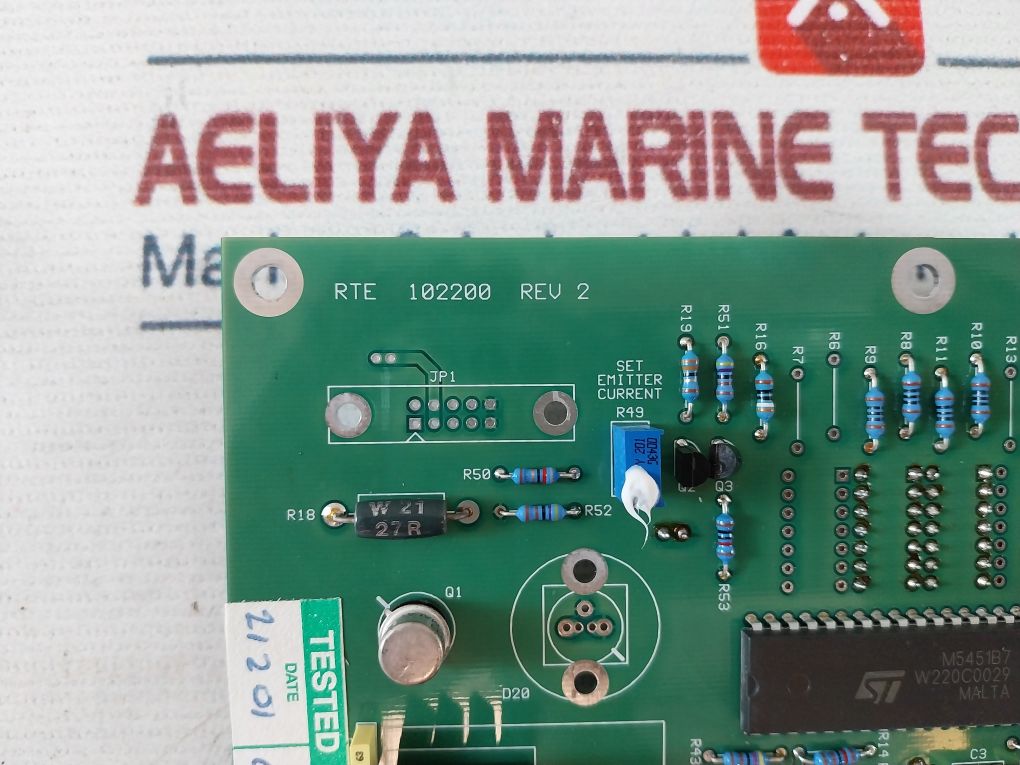
As we look ahead, the evolution of motherboard technology is positioned to transform the landscape of computing in profound ways. With advancements such as integrated graphics processing units (GPUs) and enhanced support for faster RAM, the performance and capabilities of motherboards are set to reach new heights. These innovations not only cater to the growing demands of gamers and content creators but also influence sectors like data processing and artificial intelligence.
Emerging Trends in Motherboard Technology
The future of motherboard technology is heavily influenced by several emerging trends that focus on enhancing performance and usability. One major advancement is the integration of graphics processing directly onto the motherboard, which eliminates the need for a separate graphics card in many cases. This has significant implications for space-saving in compact builds and for budget-conscious users who need efficient performance without the extra expenditure of a dedicated GPU.
Additionally, support for faster RAM is vital to maximizing performance. With the advent of DDR5, motherboards are beginning to adopt this new standard, which offers higher bandwidth and lower power consumption. This transition is crucial as applications become more demanding, requiring swift data access and processing capabilities. For instance, gaming performance enhances significantly with faster RAM, enabling smoother frame rates and improved loading times.
Another significant aspect is the introduction of PCIe 4.0 and its subsequent upgrade to PCIe 5.0, which dramatically impacts motherboard design and performance. These interfaces allow for increased data transfer rates between components, doubling the bandwidth available for devices like SSDs and graphics cards. PCIe 4.0 enables speeds of up to 16 GT/s, whereas PCIe 5.0 pushes this to an astonishing 32 GT/s, paving the way for near-instantaneous data access. Such advancements facilitate more efficient data handling and processing, which is particularly advantageous in high-performance computing and gaming environments.
Sustainability Trends in Motherboard Manufacturing
Sustainability is becoming a focal point in motherboard manufacturing practices, as the tech industry recognizes its environmental impact. This includes the adoption of eco-friendly materials and processes designed to minimize waste and pollution. Manufacturers are increasingly exploring recyclable components and sustainable sourcing of raw materials. For example, the use of bio-based plastics and conflict-free metals is gaining traction, reflecting a commitment to responsible manufacturing.
Recycling practices are also undergoing significant improvements. Many companies are now implementing take-back programs where consumers can return old motherboards for proper recycling. This not only reduces electronic waste but also allows manufacturers to reclaim valuable materials, which can be reused in new products. As technology advances, the integration of smart recycling systems that can identify and sort materials more efficiently is on the horizon.
In conclusion, the future of motherboard technology is poised for remarkable advancements that will not only enhance performance but also promote sustainability. As integrated graphics, faster RAM support, and high-speed interfaces like PCIe continue to evolve, the potential for innovation in computing is virtually limitless.
Conclusion
In summary, the motherboard is more than just a circuit board; it’s the central hub that governs the functionality and compatibility of a computer system. As technology advances, understanding the evolving landscape of motherboard design—from BIOS to UEFI and beyond—will empower you to navigate your options wisely. Whether you’re troubleshooting issues or considering future upgrades, a well-informed approach will enhance your computing experience and ensure your system runs smoothly for years to come.
Key Questions Answered
What is a motherboard?
A motherboard is the main circuit board in a computer that connects all components and allows communication between them.
How do I know if a motherboard is compatible with my CPU?
Check the motherboard’s socket type and ensure it matches the CPU’s requirements.
What are the signs of a failing motherboard?
Common signs include frequent crashes, boot failures, and hardware not being recognized.
Can I upgrade my motherboard without changing other components?
Yes, but ensure that the new motherboard is compatible with your existing CPU, RAM, and other hardware.
What is the difference between ATX and MicroATX motherboards?
ATX motherboards are larger, offering more expansion slots, while MicroATX is smaller and may have fewer features.
How often should I update my motherboard’s firmware?
Only update when necessary, such as to fix bugs or improve compatibility with new hardware.